
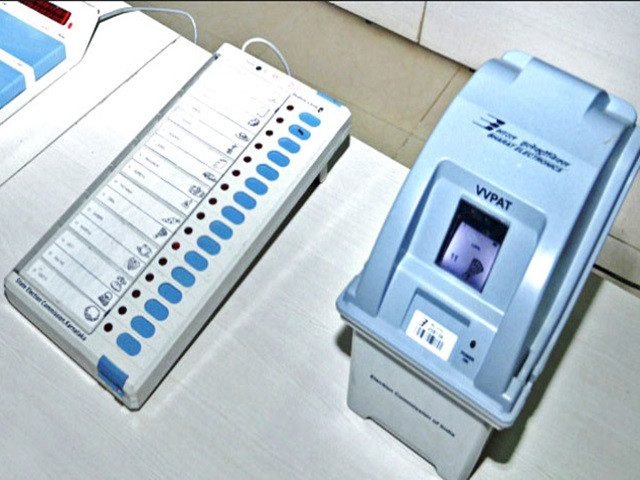
File photo: an electronic voting machine and VVPAT unit. Election Commission of India. Wikimedia Commons. Source URL. GODL-India. Resized.
A Form 7 application seeks the deletion of a name from the electoral roll, or raises an objection to a name’s inclusion. On its official forms dashboard, the Election Commission of India describes Form 7 as “Deletion or Objection for name from Electoral Roll”, filed on the Voters’ Services Portal. The form is in the news after The Hindu reported that BJP booth-level agents filed most Form 7 objections in Delhi’s Mustafabad, all against Muslim voters. Here is how the process works.
Who can file, and as what
A Form 7 can be filed by the voter whose own entry needs deletion, or by another person as an ‘objector’ against someone else’s entry. In The Hindu’s Mustafabad reporting, the objectors were booth-level agents (BLAs) appointed by the BJP, citing ‘absent/permanently shifted’ or ‘death’ as grounds.
Where it is filed
The ECI says name correction or deletion can be applied for online through the Voters’ Services Portal, which it describes as its platform for voter services, using your EPIC number. The portal also lets applicants track the status of their applications.
During a revision
During the Special Intensive Revision, a claims and objections period follows the draft roll’s publication, and that is when most Form 7s arrive. In Delhi, objections have been filed since August 31; Mustafabad alone has seen 843, the highest among constituencies, The Hindu reported.
Check your own name first
Whatever the outcome of others’ objections, you can verify your own entry on the ECI’s electoral-roll search by EPIC number, name and details, or mobile number. If your name is wrongly deleted, you can apply afresh for inclusion through Form 6 on the Voters’ Services Portal; the ECI describes Form 6 as the registration form for citizens 18 or older on the qualifying dates.